How to Identify Crypto Phishing Attempts in 2025
 Nov, 24 2025
What Crypto Phishing Actually Looks Like in 2025
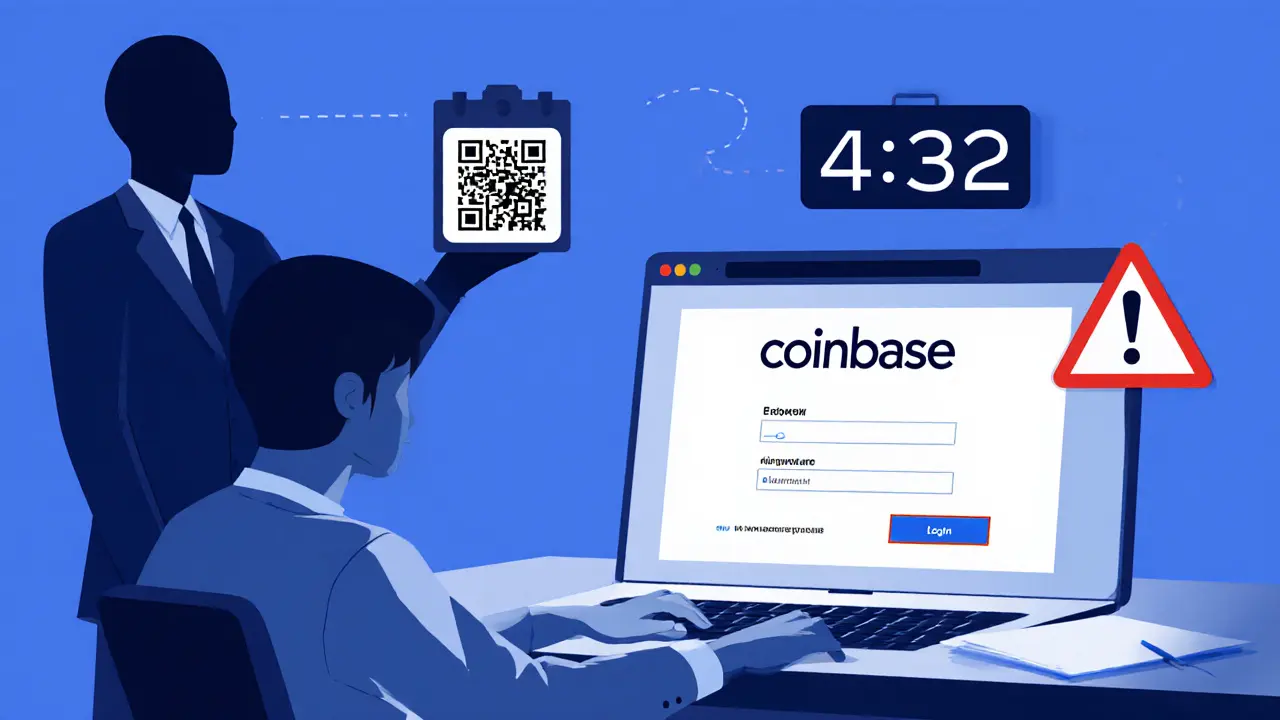
You get an email. It says your Coinbase account will be suspended in 5 minutes unless you verify your identity. The link looks right. The logo matches. Even the SSL lock icon is there. You click. You enter your seed phrase. And just like that, your ETH is gone.
This isn’t science fiction. In 2024, crypto phishing stole $9.3 billion. By early 2025, attacks were up 210% year-over-year. And the scammers aren’t using clumsy typos anymore. They’re using AI to generate fake videos of Coinbase CEOs asking you to "confirm your wallet." They’re embedding malicious QR codes in PDFs you open on your phone. They’re copying exchange interfaces with 95% accuracy-so close you’d swear it’s real.
The truth? No exchange, wallet, or blockchain service will ever ask for your seed phrase. Ever. If someone does, it’s a scam. But most people don’t know that. And that’s exactly what the attackers count on.
The 5 Most Common Crypto Phishing Tactics Right Now
Not all phishing is the same. In 2025, attackers rely on five main methods, each designed to bypass your instincts.
- Credential harvesting pages (72% of cases) - These look exactly like Binance, MetaMask, or Ledger login screens. They’re hosted on domains like coinbase-security[.]net or eth3r3um-wallet[.]org. The difference? One letter is replaced with a Cyrillic character. Hover over the link. If it doesn’t match the official domain, it’s fake.
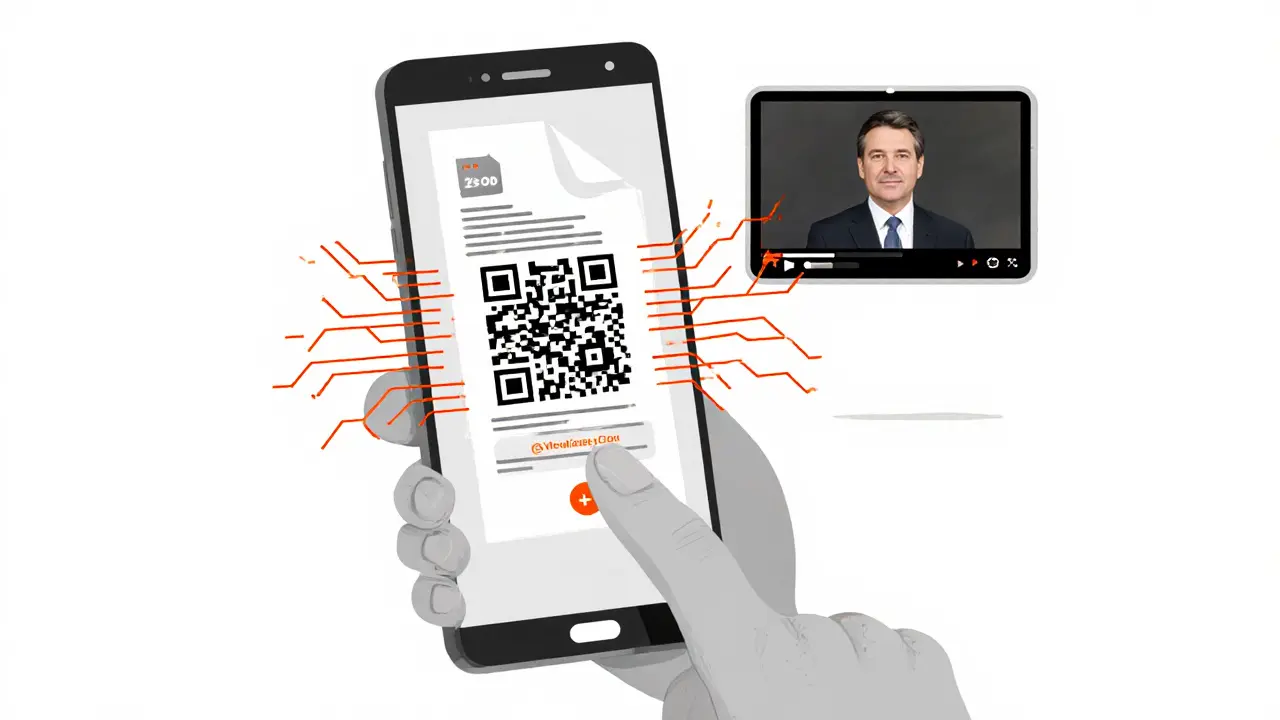
- QR code phishing (18%) - You get an email with a PDF attachment. It says "Download your tax report." Inside is a QR code. Scan it. It takes you to a fake wallet page. Mobile users are 3x more likely to fall for this because they can’t see the full URL.
- Password-protected PDFs (22%) - The email says "Your transaction receipt is attached." The PDF is locked. The password? It’s right there in the email: "Your password is your wallet address." That’s not a coincidence. It’s a trap.
- Calendar phishing (6%) - You get a calendar invite from "[email protected]." It says "Security Verification Required: Click to Join." The link? Leads to a phishing page. Even if you don’t accept the invite, just opening it can trigger tracking.
- Deepfake impersonation (1%) - but high damage - A video pops up on Twitter or YouTube. It’s the CEO of Kraken. He’s talking about a "new security update." He asks you to visit a website to verify your wallet. It’s AI-generated. Voice, face, mannerisms-all perfect. And it’s working. Average loss per victim: $47,000.
Why Crypto Phishing Is Different From Regular Email Scams
Traditional phishing wants your bank login. Crypto phishing wants your seed phrase. That’s the difference.
Bank phishing asks for username and password. You can change those. But your seed phrase? It’s your wallet. Lose it, and you lose everything. No reset button. No customer service to recover it.
Also, crypto scams use real blockchain jargon to trick you. You’ll see phrases like:
- "Approve this token to reduce gas fees."
- "Your contract interaction failed. Please reauthorize."
- "Sign this transaction to unlock your staking rewards."
These aren’t random. They’re engineered to sound legitimate to anyone who’s used a wallet before. And they work. According to Blockpit’s 2025 analysis, 76% of phishing sites use this exact language.
And here’s the kicker: 64% of crypto phishing domains use homoglyph attacks-substituting letters with visually similar ones from other alphabets. That’s way higher than regular phishing. A fake site might use ethеrium (with a Cyrillic ‘е’) instead of ethereum. Your eyes don’t catch it. Your phone doesn’t warn you. And you’re already halfway to losing your funds.
The 7-Step Verification Checklist You Need Right Now
There’s no magic tool. No app that’ll save you. The only defense is a habit. Use this checklist every single time you get an email, message, or notification about your crypto.
- Never click links in unsolicited messages. Even if it looks real. Even if it’s from "support." Go directly to the official website by typing it yourself.
- Hover over every link before clicking. On desktop, your cursor will show the real URL. On mobile, long-press the link. If it doesn’t match the official domain (like coinbase.com), close it.
- Check the domain registration date. Legitimate companies register domains years in advance. Use a free WHOIS tool. If the domain was created last week? Run.
- Verify SSL certificates. Click the padlock in your browser. Is the certificate issued to the real company? Or to some random name like "Cloudflare, Inc."? Many phishing sites have valid SSLs-but they’re not tied to the brand you think they are.
- Never enter your seed phrase anywhere. Not on a website. Not in a chat. Not over the phone. If someone asks for it, it’s a scam. Period.
- Confirm urgent claims with official channels. If they say your account will be suspended, call the real support line. Not the number in the email. The one on their official website.
- Use blockchain explorers to check transactions. If you’re asked to sign a transaction, paste the contract address into Etherscan or Solana Explorer. Is it a known scam wallet? Is it sending funds to a new, empty address? If yes, don’t sign.
WalletGuard’s 2025 study found users who followed all seven steps caught 99.3% of phishing attempts. Skip even one? Accuracy drops to 68.7%.
Red Flags You’re Probably Missing
Most people think phishing is about bad grammar or weird email addresses. In 2025, that’s not enough.
Here are the subtle signs most victims ignore:
- Countdown timers. "Your account expires in 4:32..." Fake. Real services don’t pressure you like this.
- Too-good-to-be-true offers. "Double your BTC in 24 hours!" No legitimate platform does this.
- Requests to connect your wallet to a website. If you didn’t initiate the action, and it’s not a well-known DeFi app, don’t connect.
- Unusual token approval requests. You get a popup asking you to approve 10,000 USDT. Why would a simple login need that? It’s a sign they’re preparing to drain your wallet.
- Messages from "verified" accounts on Twitter or Telegram. Scammers buy blue checks. They impersonate devs, influencers, and exchange staff. Always double-check via the official website.
- Wallet addresses without checksums. Ethereum addresses have built-in verification. If the address you’re asked to send to doesn’t match the expected checksum (you can check with a tool like Etherscan), it’s fake.
And here’s the worst part: 82% of victims didn’t check wallet address checksums. 67% didn’t look at SSL details. 58% were rushed by fake timers. The scam isn’t just clever-it’s psychological.
What to Do If You’ve Already Been Phished
If you entered your seed phrase or signed a transaction, time is critical.
Step 1: Stop everything. Don’t log in again. Don’t click anything else.
Step 2: Check your wallet balance. Use a blockchain explorer like Etherscan or Solana Explorer. If funds are gone, they’ve likely been moved across chains in under 30 minutes. That’s a known scam pattern.
Step 3: Report it. Use the DFPI’s Crypto Scam Tracker or file a report with the FBI’s IC3. Even if you can’t recover funds, your report helps track the scammer’s wallet and warn others.
Step 4: Move your remaining assets. Create a new wallet. Never reuse the old seed phrase. Transfer everything. Then, never connect the old wallet to anything again.
Step 5: Learn from it. Share your story. Reddit’s r/CryptoCurrency has 2,800+ upvoted threads from people who caught phishing attempts. Your experience could save someone else.
How to Protect Yourself Long-Term
Phishing won’t disappear. But you can make yourself a hard target.
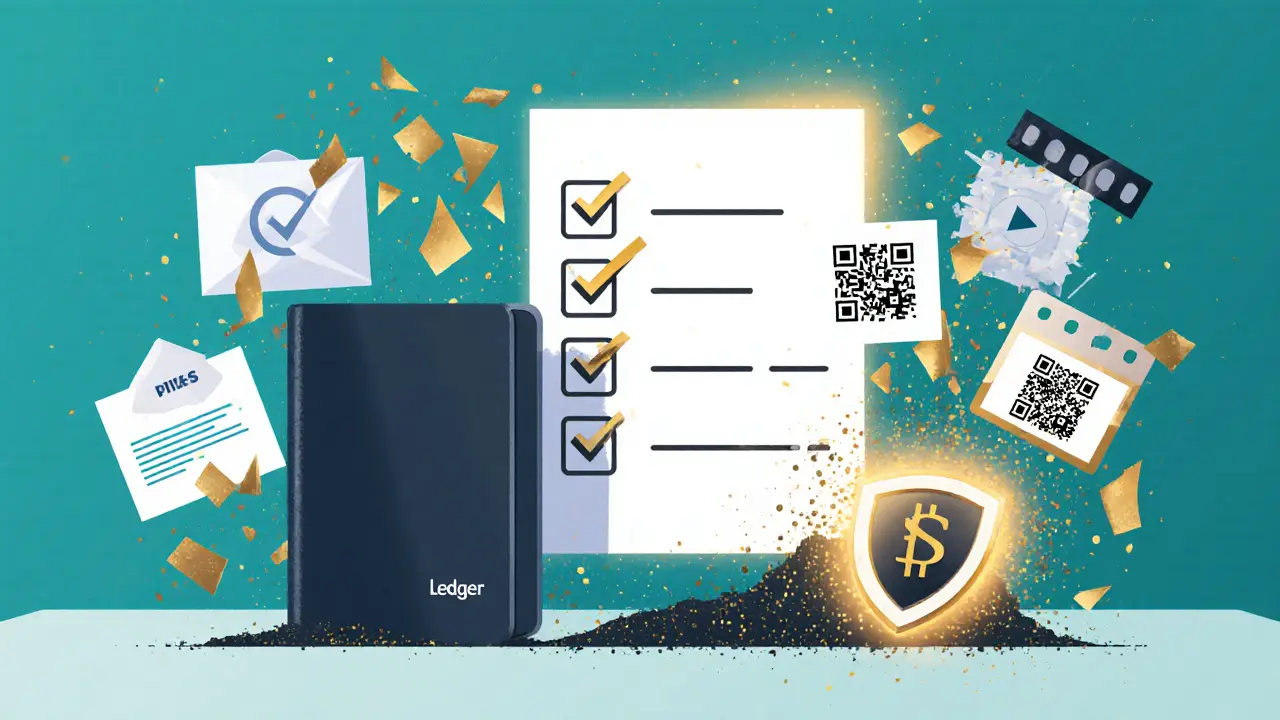
- Use a hardware wallet. Ledger and Trezor keep your seed phrase offline. Even if you sign a malicious transaction, the attacker can’t steal your private key.
- Enable transaction alerts. Most wallets let you get a push notification when a transaction is pending. If you didn’t initiate it, reject it immediately.
- Use Coinbase’s Phishing Test. It’s free. It shows you fake phishing emails. You practice spotting them. After three rounds, users catch 89% of scams.
- Turn on behavioral biometrics. New wallets like Trust Wallet and MetaMask now offer this. It learns how you type, tap, and scroll. If someone else tries to use your wallet, it blocks access.
- Stay informed. Follow the DFPI’s Crypto Scam Tracker. It’s updated weekly with new phishing domains and tactics. Bookmark it.
Remember: The biggest threat isn’t the tech. It’s the feeling of urgency. Scammers count on you acting fast. Slow down. Double-check. Ask yourself: "Would a real company ask me to do this?" If the answer isn’t a clear "no," it’s probably a scam.
Frequently Asked Questions
Can a crypto phishing site have a valid SSL certificate?
Yes. Many phishing sites use free SSL certificates from providers like Cloudflare. The padlock icon only means the connection is encrypted-not that the site is legitimate. Always check the certificate’s issued-to name. If it says "Cloudflare, Inc." instead of "Coinbase," it’s fake.
What should I do if I entered my seed phrase by accident?
Immediately stop using that wallet. Create a new one with a completely new seed phrase. Transfer any remaining funds to the new wallet. Then, never use the old seed phrase again. Report the incident to the DFPI Crypto Scam Tracker. Your funds may already be gone, but you can prevent future losses.
Are QR code phishing attacks harder to detect on mobile?
Yes. Mobile browsers don’t show full URLs when you tap a link. You can’t hover to check the destination. That’s why QR code phishing has increased 210% since 2024. Never scan QR codes from unsolicited emails or messages-even if they look official. Always type the URL manually.
Can AI-generated deepfake videos be detected?
It’s difficult without specialized tools. But you can spot red flags: unnatural blinking, mismatched lip movement, or requests to visit a website. No legitimate company will use a deepfake to ask you to verify your wallet. If you see one, report it to the platform and don’t interact with it.
Why do phishing sites ask for token approvals?
Token approvals let scammers drain your wallet without needing your private key. Once you approve unlimited USDT or ETH, they can take it all in one click. Never approve tokens unless you’re actively using a trusted DeFi app-and always check the amount. Approving $10,000 for a simple swap? That’s a trap.
Is it safe to use browser extensions for crypto?
Only use official extensions from trusted developers like MetaMask or Phantom. Many fake extensions are distributed through phishing sites. Always download from the official website, not from Google searches or ads. Check the extension’s developer name and number of downloads before installing.
How do I know if a wallet address is real?
Use a blockchain explorer like Etherscan or Solana Explorer. Paste the address. If it’s a known scam wallet, it will show up in their flagged addresses list. Also, check the checksum: Ethereum addresses have built-in validation. If the address looks off, it’s probably fake.
jocelyn cortez
November 26, 2025 AT 06:03Just remember: if it’s asking for your seed phrase, it’s not support. It’s a predator with a nice UI.
Gus Mitchener
November 27, 2025 AT 23:15AI-generated deepfakes don’t just mimic faces-they mimic the *epistemic weight* of verified entities. The real attack surface isn’t your wallet. It’s your belief in the reliability of visual and linguistic cues.
Jennifer Morton-Riggs
November 29, 2025 AT 01:09Also, QR codes in PDFs? Bro. You’re on your phone. You don’t need to open a PDF from an unknown sender. Just delete it. Your tax report isn’t going anywhere.
Kathy Alexander
November 29, 2025 AT 21:58And don’t even get me started on the "verified" Twitter accounts. Blue check = trust? That’s like trusting a guy in a suit who says he’s from the IRS. It’s not about the badge. It’s about the behavior. And no real company pressures you with countdown timers.
Soham Kulkarni
November 30, 2025 AT 14:03Tejas Kansara
December 2, 2025 AT 07:03Rajesh pattnaik
December 2, 2025 AT 23:26And yes, I’ve lost friends to this. Not money. But trust. That’s the real cost.