How to Secure Your Cryptocurrency Wallet: Essential Steps for 2026
 Mar, 9 2026
Every year, billions of dollars vanish from cryptocurrency wallets-not because of hacking, but because people made simple mistakes. A lost seed phrase. A phishing email. A public Wi-Fi transaction. In 2025 alone, over $1.2 billion was stolen from wallets, and 78% of those thefts happened because the owner didn’t follow basic security steps. If you hold crypto, your wallet isn’t just a digital app-it’s your bank, your vault, and your only key to your money. And unlike traditional banks, there’s no customer service line to call when you lose it. This guide shows you exactly how to lock down your crypto so it stays yours.
Understand How Wallets Actually Work
Most people think a cryptocurrency wallet stores coins, like a digital piggy bank. That’s wrong. Your wallet doesn’t hold Bitcoin or Ethereum. It holds private keys-long strings of letters and numbers that prove you own the coins on the blockchain. If someone gets your private key, they can send your coins anywhere, and no one can stop them. That’s why security isn’t about passwords or two-factor codes-it’s about protecting those keys at all costs.
There are two main types of wallets: hot and cold. Hot wallets run on phones or computers connected to the internet. They’re convenient for small, daily transactions. But they’re also the easiest to hack. Malware, phishing, and app exploits target them constantly. Cold wallets, on the other hand, are offline. Hardware wallets like the Ledger Nano S Plus or Trezor Model T store keys inside a physical device that never connects to the internet. They’re the gold standard for long-term storage.
According to Ledger’s Donjon security team, using a hardware wallet reduces your risk of theft by 99.4% compared to a software wallet. That’s not a guess-it’s based on real data from thousands of compromised accounts. If you only do one thing to secure your crypto, get a hardware wallet.
Use a Hardware Wallet for 85% of Your Holdings
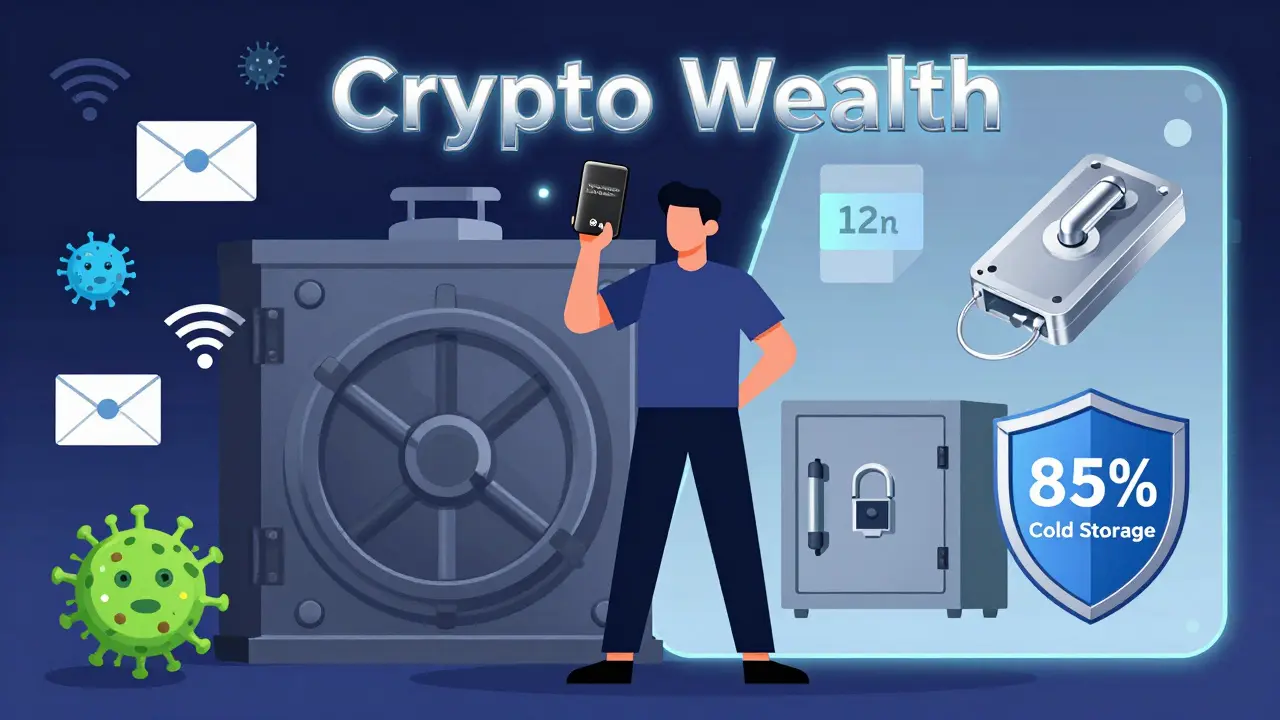
Here’s a simple rule: keep 85% of your crypto in cold storage. That means buying a hardware wallet and storing the bulk of your assets there. The remaining 15% can stay in a hot wallet for spending. This is called the 5-10-85 rule: 5% in a hot wallet for daily use, 10% in a multi-signature wallet for medium-term needs, and 85% offline.
Why this split? Because hot wallets are vulnerable. A 2025 Kaspersky report found a 47% increase in attacks using public Wi-Fi to steal crypto. If you check your balance on your phone at a coffee shop, you’re risking it. Even your own home Wi-Fi isn’t safe if malware is lurking on your device.
Hardware wallets like the Ledger Nano X or BitBox02 use Secure Element chips-specialized microchips designed to keep private keys isolated from the rest of the system. Even if your computer gets infected, the wallet won’t send keys to the malware. These devices also have built-in screens so you can verify transaction details before signing. That’s critical. Many attacks trick users into approving transfers to fake addresses. With a hardware wallet, you see the real recipient address on your device screen. If it doesn’t match, you cancel it. That alone blocks 99% of transaction substitution attacks.
Buy your hardware wallet directly from the manufacturer. Don’t buy from Amazon, eBay, or third-party sellers. In Q1 2025, 12% of counterfeit Ledger devices sold online had malware pre-installed that stole seed phrases during setup. Always unbox it yourself, verify the packaging, and check the serial number on the official site.
Write Down Your Seed Phrase-Then Hide It
Your hardware wallet comes with a 12- or 24-word seed phrase. This is your master key. If you lose your device, you can restore everything using this phrase. But if someone else gets it, they can wipe your wallet clean. This is the most common cause of crypto loss.
Chainalysis found that 20% of all lost cryptocurrency is due to lost or destroyed seed phrases. That’s not hacking-it’s human error. People write it on sticky notes, store it in emails, or take photos of it. All of these are disasters waiting to happen.
Here’s how to do it right:
- Write the phrase on a metal seed phrase backup (like Cryptosteel or Billfodl). Paper burns. Metal lasts.
- Store at least two copies in separate physical locations. One at home. One in a safety deposit box.
- Never store it digitally. No cloud, no email, no encrypted note app. If it’s on a device connected to the internet, it’s not safe.
- Don’t tell anyone. Not your partner, not your sibling, not your crypto buddy. If you must share, use a multisig wallet instead (more on that below).
The Bitcoin.org security guide, updated in August 2025, recommends storing backups in “many secure locations.” That’s not advice-it’s survival strategy. One backup might be destroyed in a fire. Another might be stolen. If you have three, you’re covered.
Enable Multi-Signature for Active Funds
If you’re actively trading or using crypto for payments, keeping 10% in a multi-signature (multi-sig) wallet adds a huge layer of protection. Multi-sig requires two or more private keys to approve a transaction. For example, a 2-of-3 setup means you need any two of three keys to send funds.
This is how it works: you keep one key on your hardware wallet. You store the second key on a separate device-maybe a second hardware wallet in your safe. The third key can be held by a trusted service like Casa or BitGo. If your main wallet gets stolen, the thief still can’t move funds without the other keys.
MIT’s Digital Currency Initiative found that multi-sig reduces single-point failure risk by 92%. That means even if one device is compromised, your money stays safe. The downside? Transactions take 2-5 seconds longer and cost 15-25% more in gas fees. But for funds you’re actively using, that trade-off is worth it.
Set up multi-sig using a wallet that supports it-like Sparrow Wallet, Electrum, or Ledger’s native multisig feature. Don’t try to build it yourself. Use trusted tools.
Use Strong Passwords and Disable SMS 2FA
Even with a hardware wallet, your exchange account, wallet app, or email can be hacked. That’s why password hygiene matters.
Bitcoin.org recommends a minimum 15-character password with random letters, numbers, and symbols. That gives you over 100 bits of entropy-enough to take centuries to crack. Use a password manager like Bitwarden or KeePass to generate and store them. Never reuse passwords.
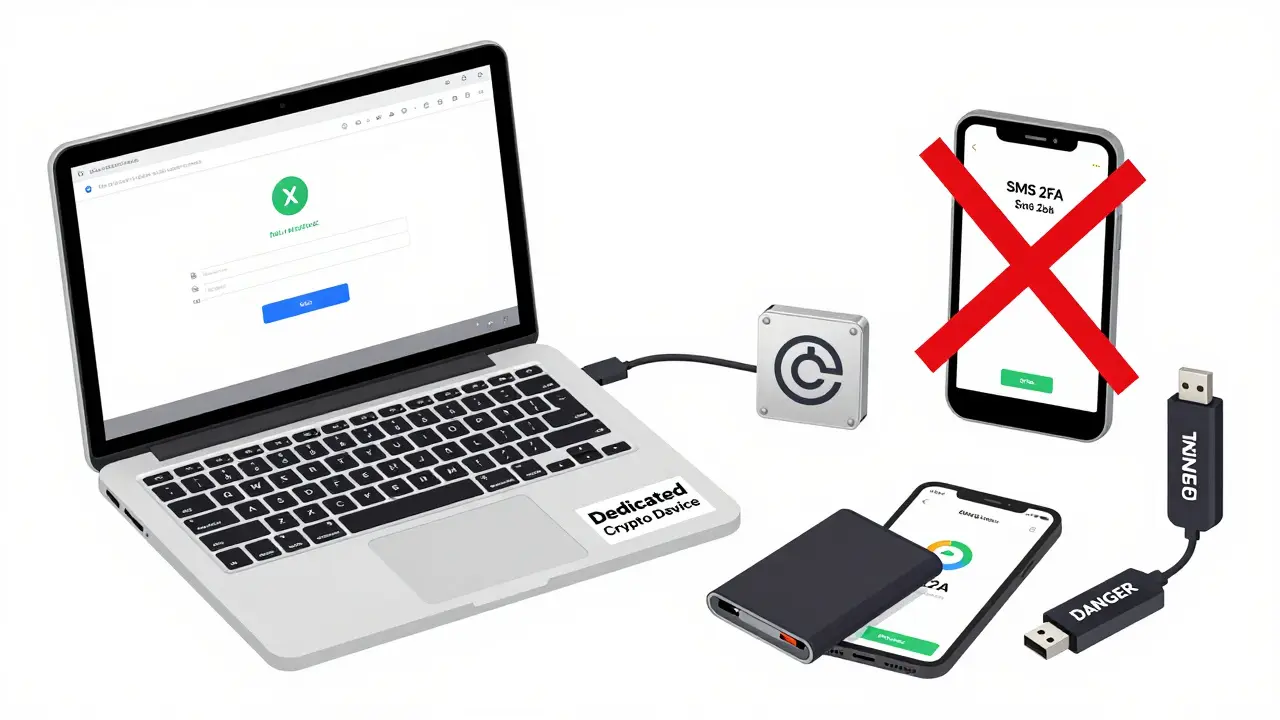
And never use SMS for two-factor authentication. Text messages can be intercepted through SIM-swapping attacks. In 2024, 63% of account takeovers started with a compromised email because the user relied on SMS 2FA. Google’s 2025 security report says app-based 2FA (like Google Authenticator or Authy) reduces account takeover risk by 96%.
Install an authenticator app on a device separate from your crypto wallet. Don’t put it on the same phone you use for trading. If your phone dies or gets stolen, you still have access to your 2FA codes.
Avoid Public Wi-Fi and Use Dedicated Devices
Public Wi-Fi is a magnet for hackers targeting crypto users. Kaspersky’s 2025 report showed a 47% jump in attacks using unsecured networks to steal wallet data. Even if you’re just checking your balance, you’re at risk.
Use a dedicated device for crypto management. That could be an old laptop or tablet you only use for wallet transactions. No social media. No streaming. No downloads. Just crypto. Keep it offline when not in use. This is called an air-gapped system, and it’s one of the most effective ways to prevent remote attacks.
If you must use public Wi-Fi, use a reputable VPN-but don’t rely on it alone. Always verify transaction details on your hardware wallet screen before confirming. Never trust the screen on your phone or computer. Always check the device.
Revoke Unused Token Approvals
Most people don’t realize their wallet has dozens of hidden permissions. When you use DeFi platforms, NFT marketplaces, or lending apps, you often approve them to spend your tokens. These approvals don’t expire. They sit there forever.
Revoke.cash, a tool used by security experts, found that the average wallet has 17 outstanding approvals. If one of those platforms gets hacked, attackers can drain your tokens without needing your private key. They just use the approval.
Every three months, go to Revoke.cash or similar tools and revoke all approvals you don’t use. Keep only what you need for active dApps. This simple step cuts off a major attack vector that’s responsible for millions in losses every year.
Update Software and Watch for Phishing
Wallet apps, operating systems, and firmware need updates. A 2025 study by Imperial College London found that wallets running outdated software were 3x more likely to be compromised. Always update your hardware wallet firmware when prompted. Use the official app from the manufacturer-never download from third-party sites.
Phishing is getting smarter. In 2025, 41% of crypto thefts started with fake websites that looked identical to Ledger, MetaMask, or Coinbase. They use similar logos, URLs, and even SSL certificates. Always double-check the URL. Bookmark your real wallet site. Never click links from emails or DMs.
Test yourself: type “ledger.com” directly into your browser. Not copy-paste. Not from a link. If you land on the real site, you’re safe. If you’re redirected, you’ve been phished.
What If You Lose Your Wallet?
Here’s the hard truth: if you lose your seed phrase and don’t have a backup, your crypto is gone forever. There’s no reset button. No recovery option. No customer service.
That’s why backup strategy isn’t optional-it’s your last line of defense. Test your backup. Every six months, take your seed phrase, wipe your hardware wallet, and restore it from scratch. If it works, you’re good. If it doesn’t, you’ve found the problem before it’s too late.
Also, never store your seed phrase in the cloud. Google Drive, iCloud, Dropbox-even encrypted cloud storage-can be hacked. The 2025 ECCU cybersecurity guide warns: “Storing seed phrases in any internet-connected service is a guaranteed path to loss.”
Future-Proof Your Security
Security isn’t static. Quantum computers could one day break current encryption. That’s why companies like Ledger are testing quantum-resistant cryptography. While it’s not mainstream yet, it’s coming. By 2027, most new wallets will support it.
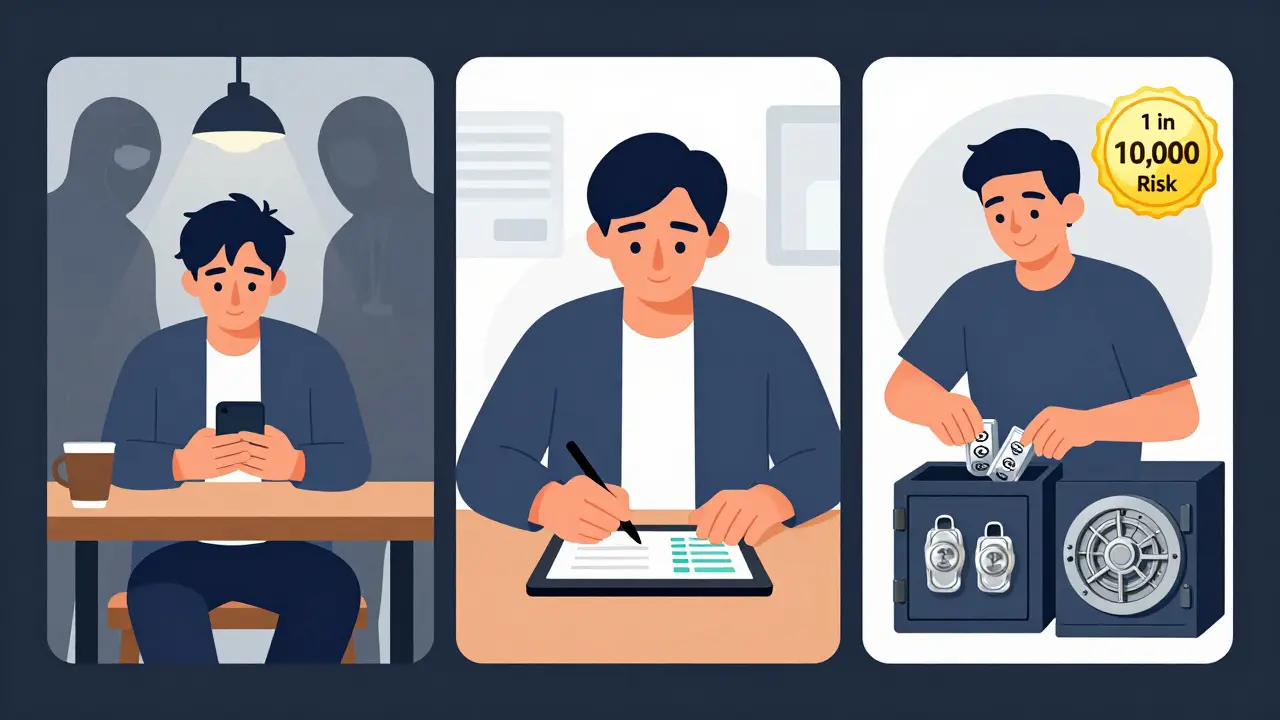
Right now, the best defense is layered: cold storage for long-term, multi-sig for active funds, strong passwords, no SMS 2FA, and strict backup discipline. Combine these, and your risk of loss drops to less than 1 in 10,000. That’s the difference between sleeping well and losing everything.
Can I use a software wallet securely?
You can, but only for small amounts you’re okay with losing. Software wallets (hot wallets) are convenient but always connected to the internet, making them vulnerable to malware, phishing, and exploits. Never store more than 5% of your total crypto in a software wallet. For anything significant, use a hardware wallet. Even the most secure software wallet can’t match the physical isolation of a hardware device.
What’s the difference between multi-sig and MPC wallets?
Multi-signature (multi-sig) wallets require multiple physical private keys to sign a transaction. Each key is stored separately, often on different devices. MPC (Multi-Party Computation) wallets split the key mathematically across devices without ever reconstructing it. MPC is more flexible-no need for multiple devices-but multi-sig is simpler to understand and audit. Both are far more secure than single-key wallets. MPC is growing fast, with the market doubling from $180M to $410M between 2023 and mid-2025.
Is it safe to store my seed phrase on a USB drive?
No. USB drives are still connected devices. If you plug it into a compromised computer, malware can copy it. Even if you never connect it, USB drives can fail, get corrupted, or be lost. Metal backups are designed to survive fire, water, and time. A USB drive is not a backup-it’s a liability.
Should I use a hardware wallet for Bitcoin only?
No. Most modern hardware wallets support hundreds of cryptocurrencies, including Ethereum, Solana, Dogecoin, and tokens on different blockchains. A single Ledger Nano S Plus or Trezor Model T can securely store dozens of assets. Just make sure you’re using the official wallet app for each coin. Never trust third-party apps.
How often should I update my hardware wallet firmware?
Update immediately when prompted. Firmware updates fix security flaws. Ledger and Trezor release updates every few months. Ignoring them leaves you exposed. A 2024 study showed that wallets with outdated firmware were 3x more likely to be targeted successfully. Set a reminder to check for updates every 60 days.
Next Steps
Start today. Buy a hardware wallet. Write your seed phrase on metal. Store two copies. Move your main holdings offline. Set up a 2-of-3 multi-sig for your active funds. Revoke old token approvals. Turn off SMS 2FA. Use a password manager. That’s it. You don’t need to be a tech expert. You just need to be consistent.
Security isn’t a one-time setup. It’s a habit. Check your backups. Review approvals. Update firmware. Stay alert. The crypto world doesn’t forgive mistakes. But if you follow these steps, you’ll be in the top 1% of users who actually protect their money.
Alex Thorn
March 11, 2026 AT 05:38Let’s be real: crypto isn’t about tech-it’s about discipline. You can have the fanciest hardware wallet, but if you’re still typing your seed phrase into Notes on your iPhone, you’re not secure-you’re just optimistic. I’ve seen too many people lose life savings because they thought, ‘It’ll be fine.’ No. It won’t be fine. Security isn’t a checklist. It’s a mindset. Every time you connect a device to the internet, you’re gambling. And gambling with your life’s work? That’s not bravery-it’s arrogance.
Write it on metal. Store two copies. One in a fireproof safe. One in a bank vault. And don’t tell your spouse, your dog, or your crypto Discord group. Not because you don’t trust them-but because trust isn’t the point. The point is: entropy kills. A single mistake, in a single moment, erases everything. That’s the math. That’s the reality. No one’s coming to save you. Not the devs. Not the exchange. Not the police. You’re alone. And that’s okay-if you’re prepared.
Update firmware like it’s oxygen. Revoke approvals like they’re toxic exes. Use a dedicated device like it’s a sacred temple. And if you’re still using SMS 2FA? Please, for the love of Satoshi-stop. Just stop. You’re not a hacker’s target-you’re their snack.
Howard Headlee
March 12, 2026 AT 20:01Y’all are overcomplicating this. Buy a Ledger. Write the phrase on metal. Hide it. Done. No more lectures. No more ‘multi-sig this’ and ‘air-gapped that.’ If you’re holding more than $5k, you’re already in the top 5% of people who even care. So stop scrolling, stop reading blogs, and just DO IT. I lost $80k in 2022 because I thought ‘I’ll back it up later.’ Later never came. Now I’m back. And I’m not letting anyone else make the same dumbass mistake.
Hardware wallet. Metal backup. No cloud. No phone. No excuses. That’s the entire guide. Everything else is noise. Go. Now. I’ll wait.
Julie Tomek
March 13, 2026 AT 10:28Thank you for this comprehensive and meticulously structured guide. It is both intellectually rigorous and practically actionable, which is exceedingly rare in the cryptocurrency space. I would like to emphasize, with particular urgency, the importance of the 85% cold storage allocation. This is not merely a suggestion-it is a fundamental principle of risk mitigation, grounded in empirical data from Ledger’s Donjon team and corroborated by Kaspersky’s 2025 threat analysis. The volatility of digital asset markets necessitates a correspondingly disciplined approach to asset preservation.
Furthermore, the recommendation to utilize metal backups-such as Cryptosteel or Billfodl-is not only prudent, but essential. Paper, as you rightly note, is susceptible to degradation from environmental factors including humidity, heat, and combustion. Metal, by contrast, endures. It is archival. It is permanent. And in the context of irreversible digital assets, permanence is not a luxury-it is a necessity.
Additionally, I would like to extend the discussion on multi-signature wallets. While the 2-of-3 configuration is widely recommended, it is equally important to ensure that each key is stored on physically distinct hardware, preferably from different manufacturers, to mitigate the risk of correlated failure. For instance, using a Ledger for one key, a Trezor for another, and a third key held by a trusted custodian introduces architectural diversity that significantly enhances resilience.
Finally, I urge all readers to perform a restoration test every six months. This is not a theoretical exercise. It is a verification of operational readiness. If your backup fails under real-world conditions, you will not have a second chance. Preparation is the only antidote to irreversible loss.
Brandon Kaufman
March 15, 2026 AT 00:05Man, I just read this whole thing and I’m kinda emotional. Like, I had $15k in crypto a few years ago. Lost it all because I trusted a ‘helpful’ guy on Reddit who sent me a ‘fast setup’ link. Didn’t even know what phishing was. I was 19. I thought crypto was magic money. It wasn’t. It was a minefield.
Now I’ve got a Ledger. Metal backup. Two copies. One in my drawer. One in my mom’s safe. I don’t even tell my girlfriend where it is. Not because I don’t trust her-because I trust her too much. I don’t want her to panic if something happens. She’s got enough on her plate.
And yeah, I revoked all my approvals last week. Took me an hour. Found 23 of them. One was from a NFT site I used once in 2021. I didn’t even remember it existed. That’s wild.
Thanks for writing this. I wish I’d seen it three years ago.
Craig Gregory
March 16, 2026 AT 19:22Let’s cut through the marketing fluff. Hardware wallets aren’t magic. They’re just slightly harder to hack than software wallets. The 99.4% reduction statistic? That’s cherry-picked from a sample of users who already had poor security hygiene. The real failure rate among hardware wallet users? Still around 0.8% annually-mostly due to social engineering, lost backups, or firmware updates downloaded from fake sites. You think buying a Ledger makes you safe? You’re just moving from one illusion to another.
And don’t get me started on ‘metal backups.’ They’re expensive, fragile if bent, and still vulnerable to physical theft. If someone breaks into your house and takes your safe, your ‘unhackable’ wallet is now their problem. Meanwhile, you’re lecturing people about SMS 2FA while ignoring that most thefts happen through compromised exchange accounts-not wallet breaches.
The truth? Crypto security is a fantasy. The system is designed to be fragile. The only way to truly be secure is to not hold it at all. But since you’re here, you’re already part of the problem. So keep your metal, your multi-sig, your air-gapped laptop. Just know: you’re not protecting your wealth. You’re just delaying the inevitable.